Add your recurring bills once.
Give rent, utilities and subscriptions a place in your plan. Kalvo keeps planning their next due dates.
 kalvo
kalvoRecurring bills & reserves for iPhone
Rent, subscriptions, the next annual bill. Kalvo puts your regular costs into a plan that looks ahead.
Explore KalvoNo bank connection. No account.
Coming to the App Store. For iPhone with iOS 26 or later.
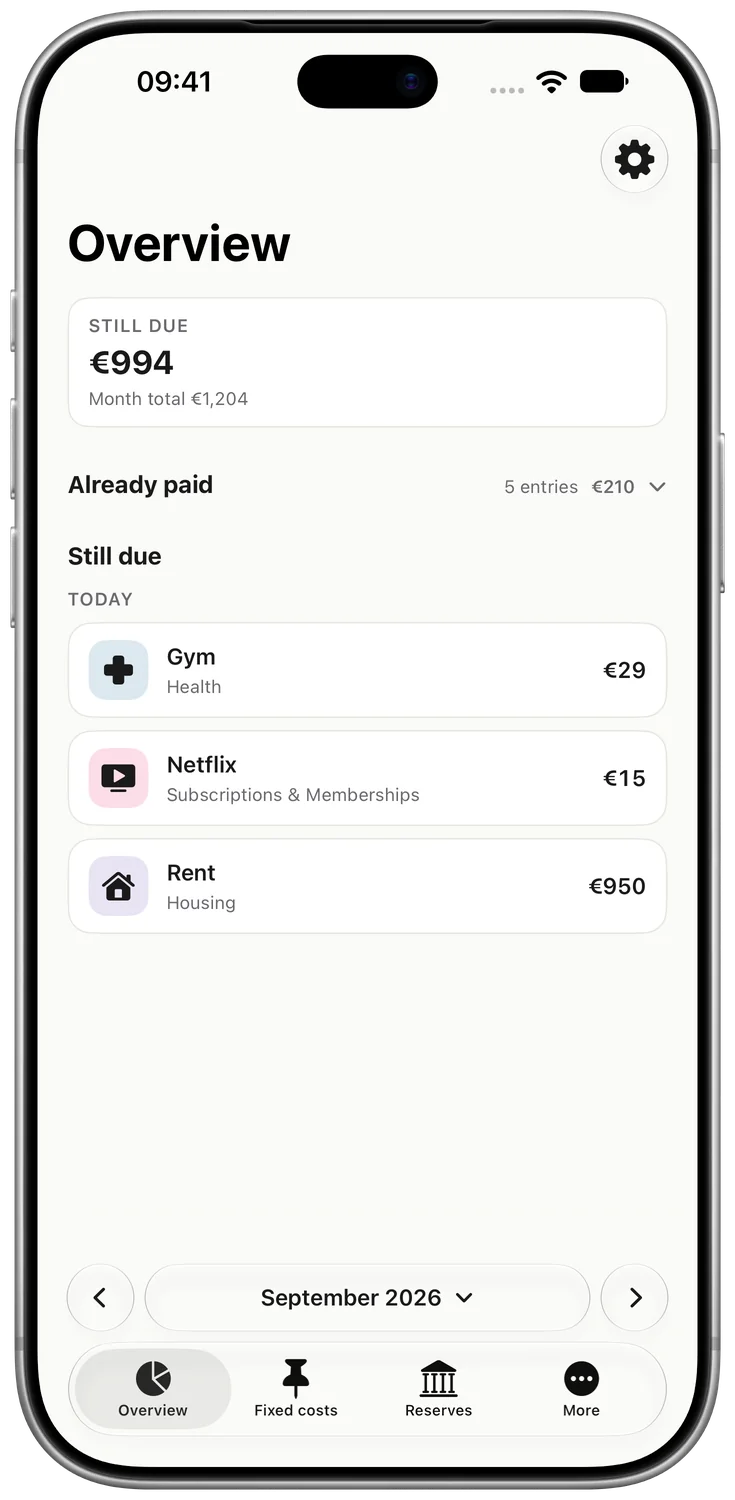
Before the money leaves your account
Give rent, utilities and subscriptions a place in your plan. Kalvo keeps planning their next due dates.
Turn one large bill into a manageable monthly reserve. See what you are setting money aside for.
What is behind you? What is still ahead? Your timeline shows both, including future months.
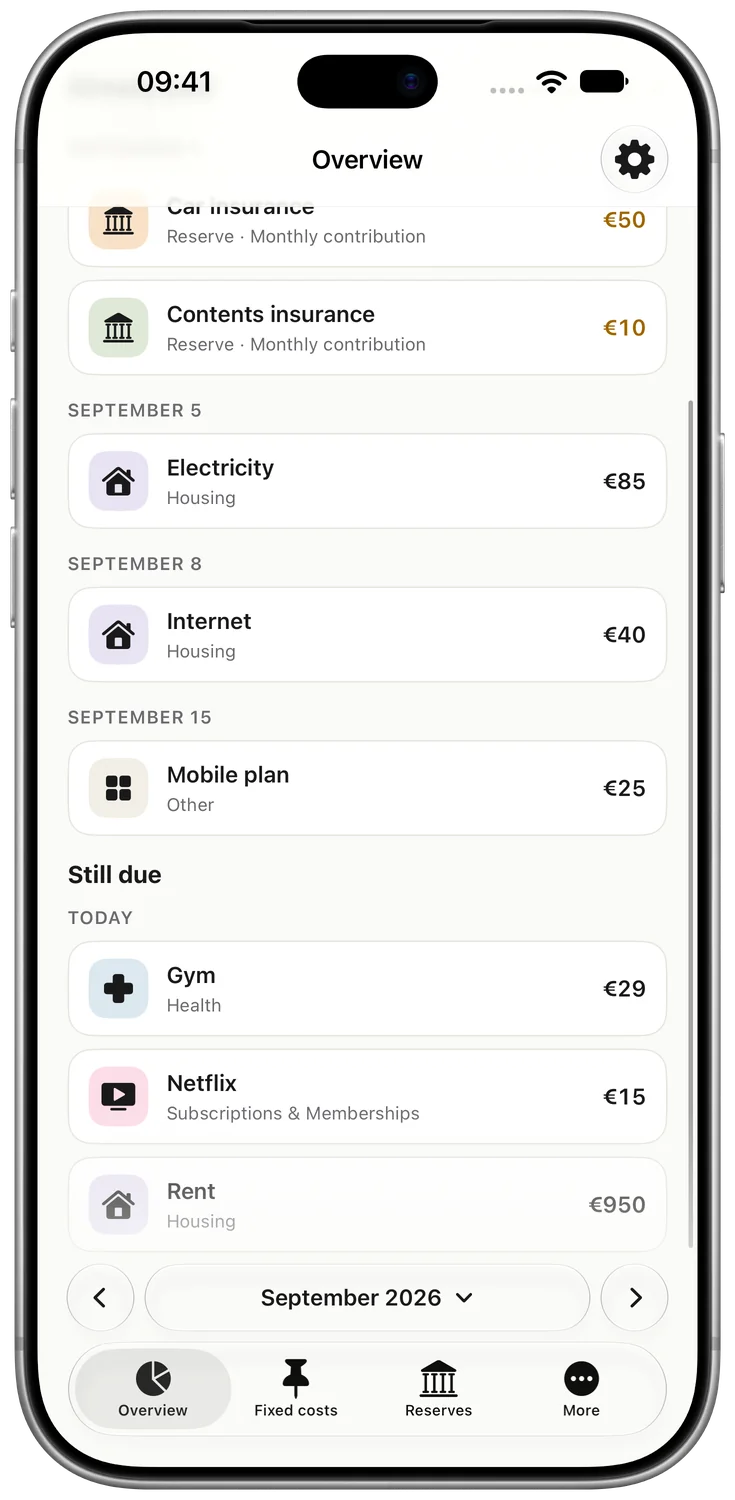
Your month, in order
Recurring bills and reserves belong in the same plan. Kalvo sorts them by date and labels reserves so you can tell them apart.
Kalvo treats past due dates as paid. This is a planning assumption, not a check against your bank account.
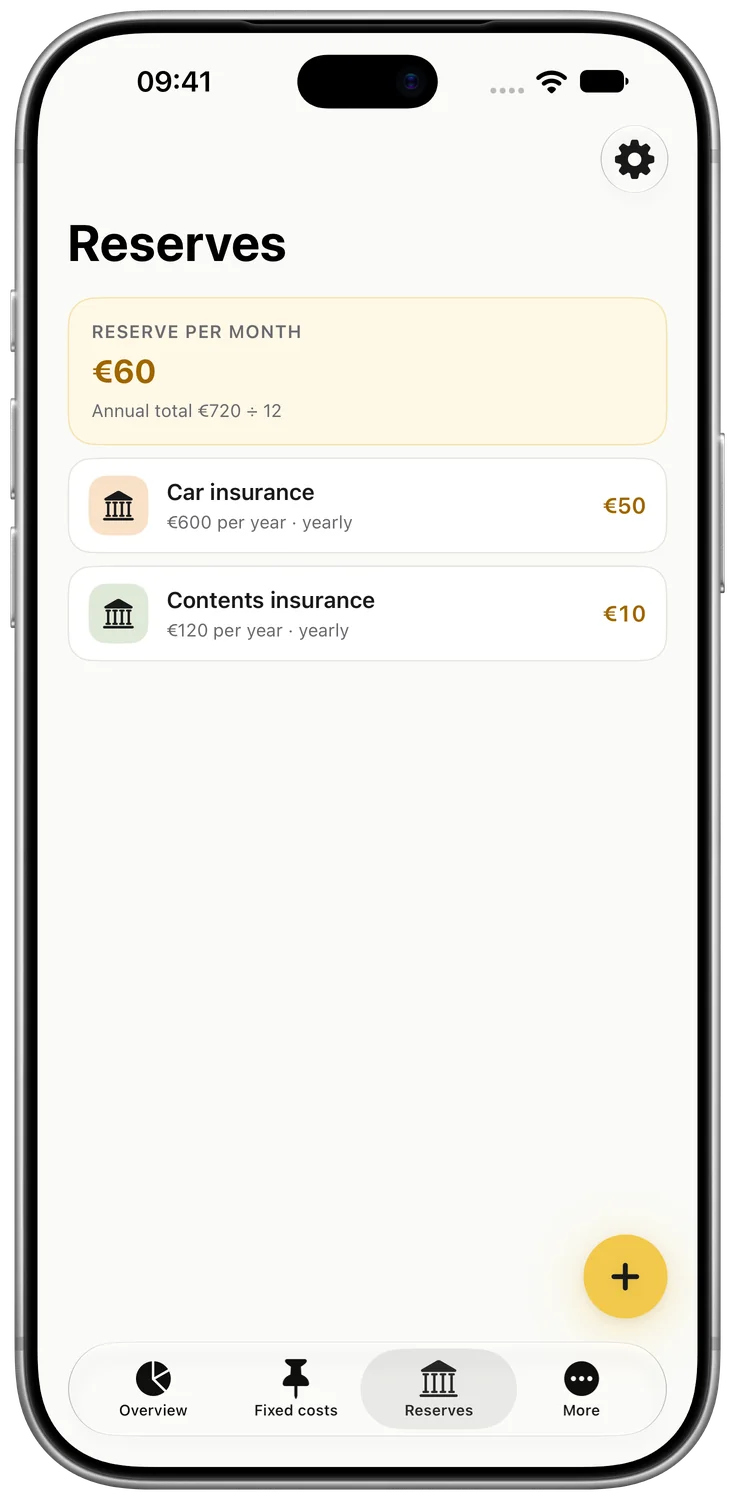
For the bigger bill later
Your car insurance is not due every month. It still needs a place in your plan. Kalvo breaks annual and quarterly costs down into a monthly reserve.
You set the money aside yourself. Kalvo plans the amount and does not make transfers.
At a time that suits you
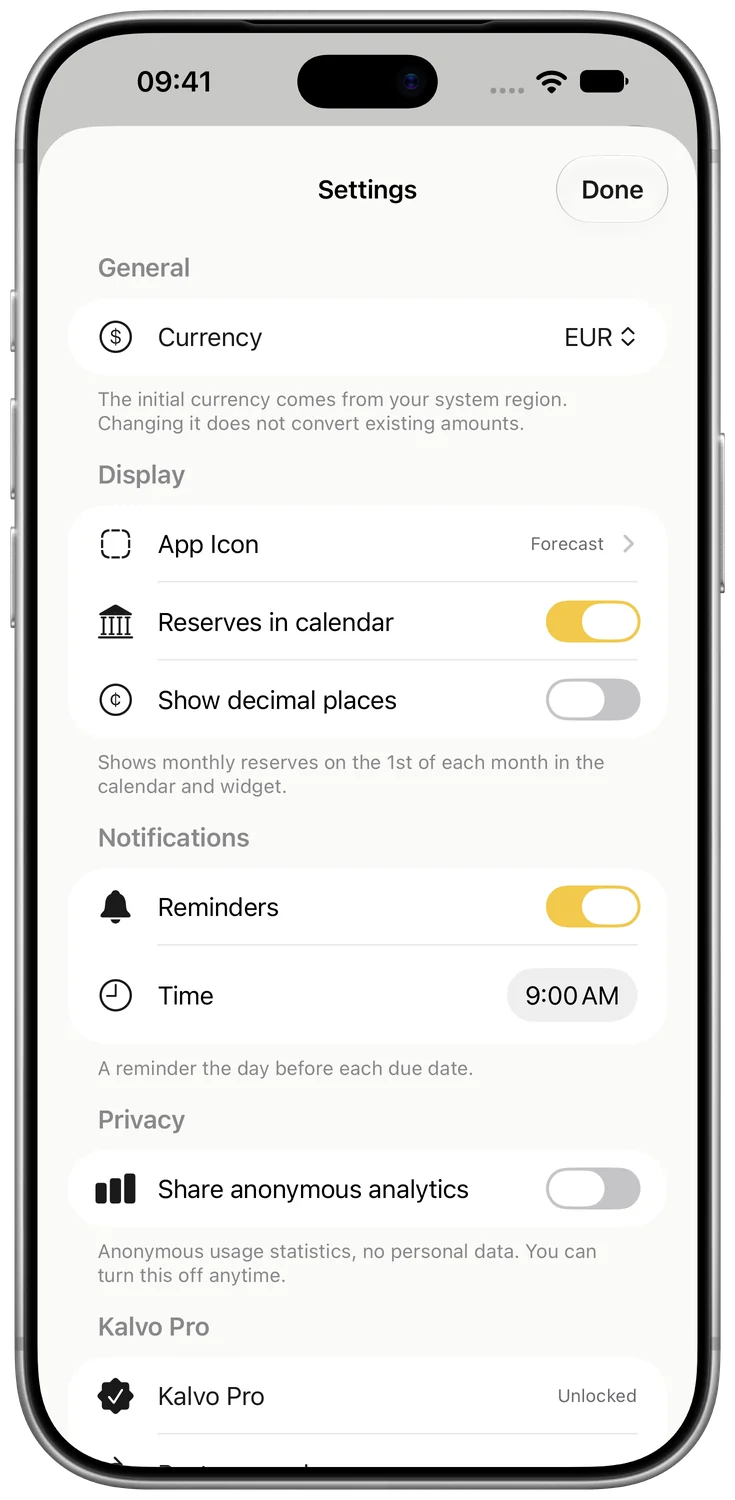
Turn on reminders and choose your time. Kalvo reminds you the day before a due date. Right on your iPhone.
For everyday life
Rent, utilities, internet. See which fixed costs belong to your month.
Streaming, fitness, apps. Keep due dates and recurring amounts in view together.
Prepare for insurance and membership fees before the next large bill arrives.
Start free. Add more when you need it.
You buy Kalvo Pro once, not every month. The app shows the current price before you purchase.
Kalvo Free
A clear starting point for your regular costs.
Kalvo Pro
One-time purchaseFree and Pro arrive with the App Store launch.
The idea behind Kalvo
An account balance does not tell you which bill is due next week. Kalvo focuses on that forward view: planning recurring costs and setting money aside for larger bills. Without becoming another banking system.
A few answers
Yes. You can plan up to 10 active recurring bills and 2 reserves for free. Kalvo Pro is an optional one-time purchase for unlimited entries and additional features. There is no Pro subscription.
No. You add your recurring bills and reserves yourself. Kalvo does not read bank transactions and does not need your bank login.
Kalvo automatically treats dates before today as paid. It plans by due date and does not check whether your bank has actually processed the payment.
No. Kalvo calculates your monthly reserve amount. You set the money aside or transfer it to another account yourself.
Yes. The month picker shows planned due dates in future months and available past months. Double-tap the month pill to return to the current month.
On your device. Version 1.0 does not sync entries between devices or share them with other people. You can disable usage analytics that are not linked to your identity in Settings.
Kalvo is built for iPhone with iOS 26 or later. The app interface is available in German and English.
Open Settings, then Kalvo Pro. Use “Restore purchases” to restore an existing purchase with the same Apple Account.
Your next month is waiting
Start with your recurring bills. Ten active recurring bills and two reserves are free.
Explore KalvoComing to the App Store. For iPhone with iOS 26 or later.